Wax On, Wax Off
| Links:
Two Monkey Radio tracks live only on wax. Here’s the gear and the process for digitizing vinyl while preserving its character.
The original Monkey Radio station was known for its rare grooves. As I worked through the collection, that turned out to be literal in a few cases.
For our purposes, three tracks turned out to be vinyl-only:
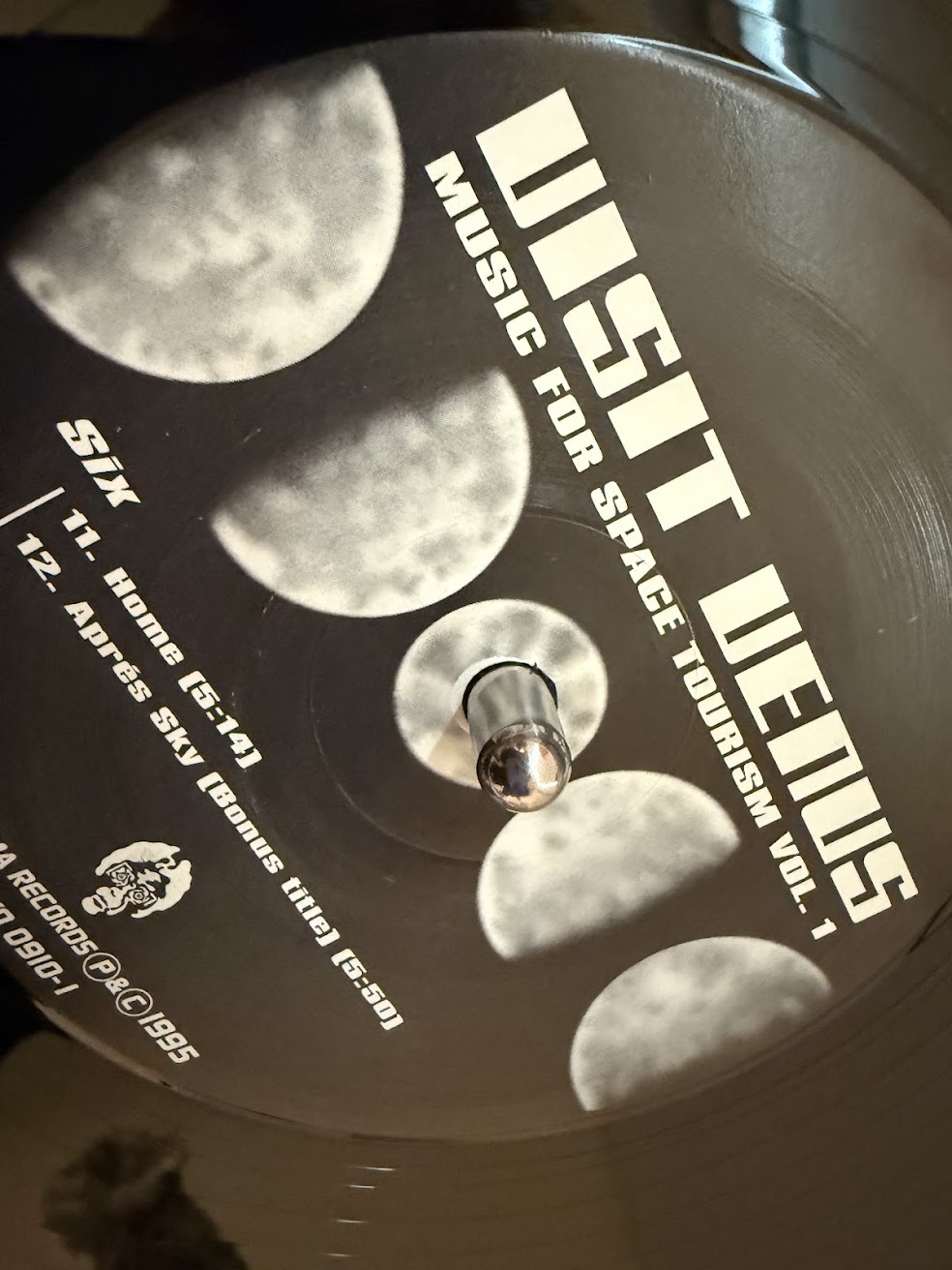
- Visit Venus - Après Sky: the bonus track on the excellent Music For Space Tourism Vol. 1 is only present on the 1995 vinyl release.
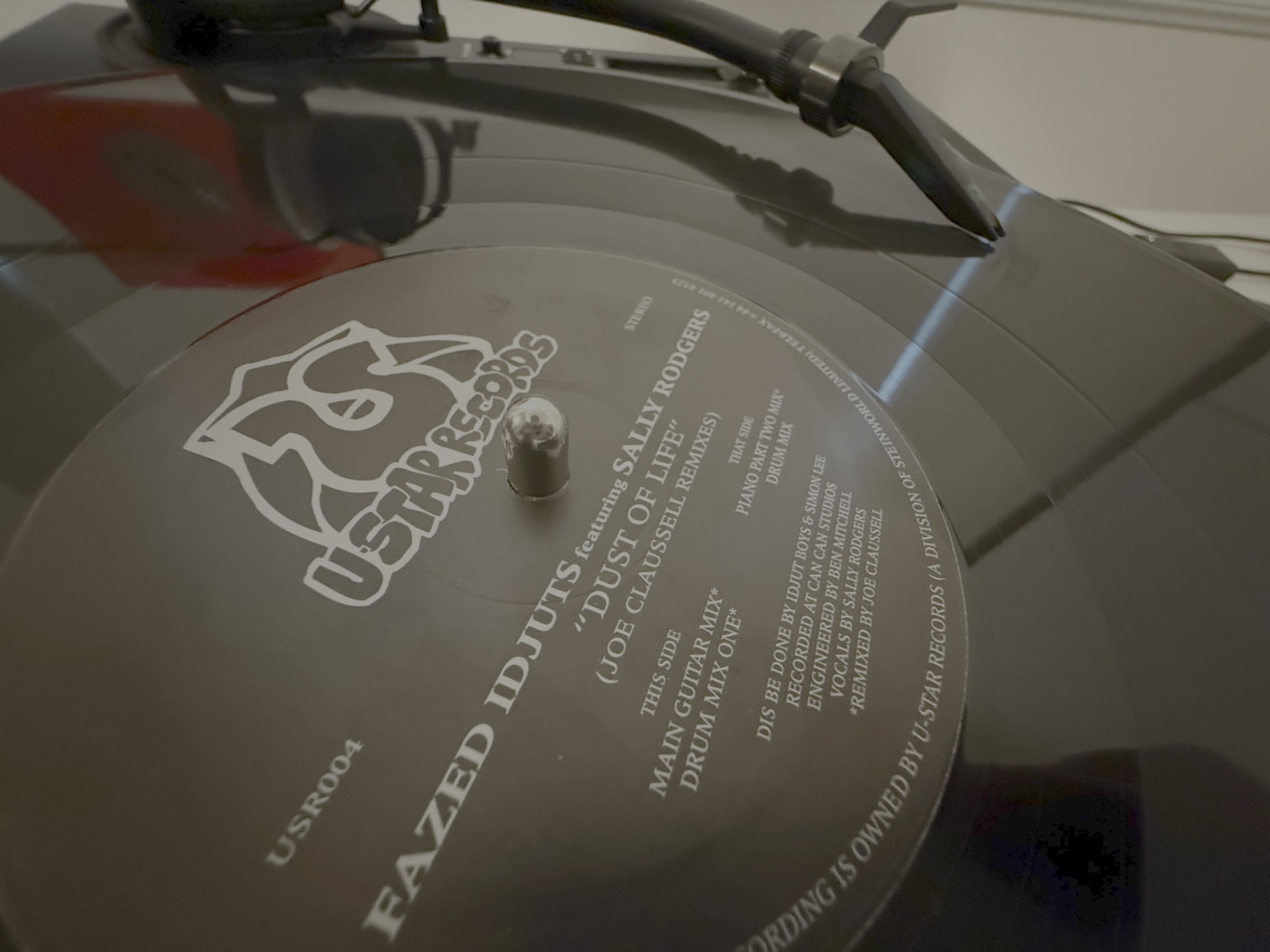
- Fazed Idjuts feat. Sally Rogers - Dust of Life (Main Guitar Mix): Edit: I first found this particular mix on the 12” single, Fazed Idjuts - Dust Of Life (Joe Claussell Mixes). The disk features the “Guitar Mix” and “Drum Mix One” on the A side, and “Piano Part Two Mix” and “Drum Mix” on the B side. For our purposes we only need the guitar mix (but if I’m picking a favorite, I actually prefer the Piano mix on the B side). Edit: That said, it turns out it lives on Carte Blanche Volume One: The Aquanote Session, a stellar compilation you’ll need for other things anyways. I’ve left it here since I acquired the track there (alongside excellent, rarer mixes) but you won’t need that wax for a Monkey Radio track, as it turns out.
- Roots Manuva - Next Type of Motion: this is technically digitally present in a mix form on the Faithless - Renaissance 3D collection, and you can get a rerecorded variant called Motion 5000 off of Bandcamp, but for the original unmixed version you’ll need to go to wax again: the 12” single. Honestly, I don’t know which was actually played on the station, so I biased towards the original.
Digitizing the Discs
Unlike ripping CDs, digitizing vinyl requires some judgement calls…and gear. Fortunately, I already had the latter covered: as a hobbyist musician I have recording software and plugins, as well as a set of turntables.
My rig:
- 2x Reloop RP8000-mk2 turntables (I only need one for this, of course)
- Ortofon Mix Concorde Mk II
- Pioneer DJM-S5 mixer
- Logic Pro, running on a MacBook M5
Plugins:
- iZotope Ozone (mastering)
- iZotope RX (declick)
The Process
After acquiring the relevant vinyl (thanks Discogs!) I set up a project in Logic Pro to maximize fidelity:
- Sample rate was set to 96kHz; I had the hardware to push this, and biased towards fidelity. Technically, I believe the DJM-S5 only outputs at 48khz, so that’s probably the cap on my gear, but YMMV depending on your mixer (or if you have a rig that outputs directly).
- I/O Buffer Size was set 512 samples. We don’t have to worry about latency when recording vinyl.
- Recorded at 24-bit.
- Disable plugins to reduce CPU load if needed (shouldn’t be any, but it doesn’t hurt).
Levels
Vinyl is a physical medium, and the levels on each vinyl can vary. To begin with, I queued up the record to the loudest point (if I knew it already…otherwise I queued it to the start and ran the track all the way through). I adjusted the trim on the DJM-S5 such that the majority of signal sent to Logic was between -3 and -6dB, with peaks never getting above -1 or so. This avoided clipping and minimized the noise-floor amplification in later steps.
Recording
Once levels are set, I created a track in Logic for Side 1, queued it at the start, and did a wet clean of the disk; the goal is to get it as pristine as possible for the run. Wait for the solution to completely dry, then record the side end to end. Take care not to bump tables (or even talk loudly nearby, if you want to be paranoid). I let the track run to the end (including the ending groove). Verify that you never bumped up to the red zone (at or near 0dB). You can then flip the disk, clean it, and repeat the process, recording to a second Side 2 track.
Polish
Now you have a raw record…everything after this is a bit of a judgment call.
For my part, these tracks are only available on vinyl, so I aim to preserve the character of the vinyl. For the Visit Venus track, I additionally wanted it to fit in the mix alongside the digital tracks; the other two are standalone for the purposes of Monkey Radio.
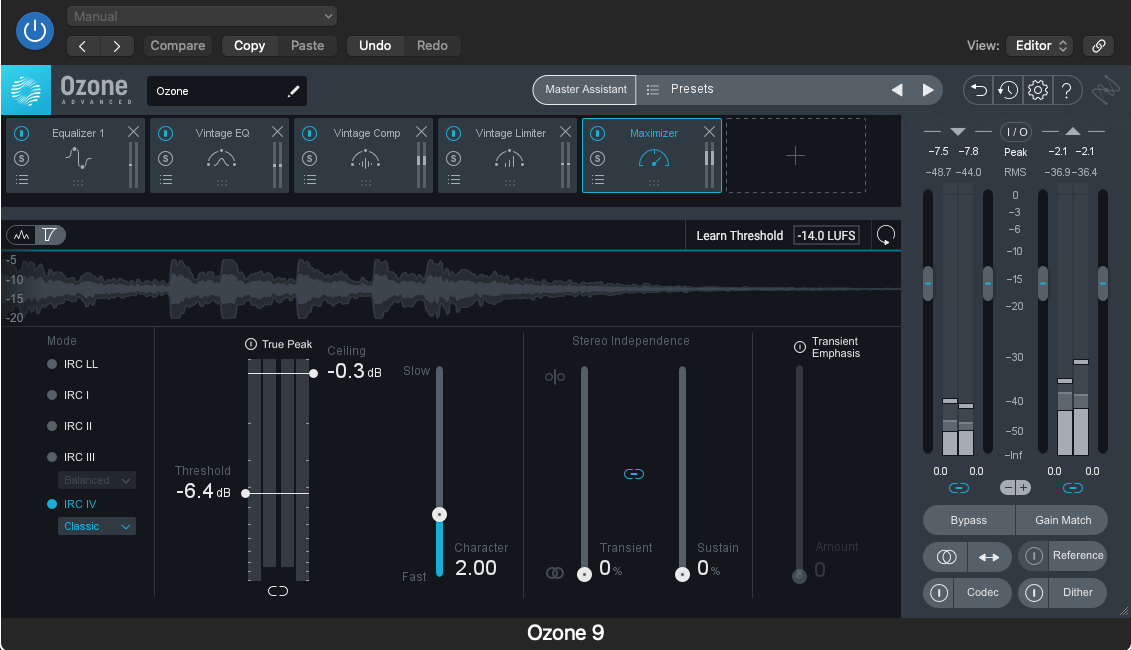
To begin with, I duplicate the track recorded for each side; I want to preserve the original recording in its original state. On the master, I (for my part) apply a copy of iZotope’s Ozone and run it through their assistant, then customize. Alternatively, you can lean into their presets, or (if you have a golden ear) manually adjust the EQ and apply a raw limiter/maximizer. Relying on their tooling, however, will largely preserve the character of the original EQ while setting your levels to production release standards (it’s a great tool).
Note: For the Visit Venus track, I also AB-tested the extracted vinyl content against the existing digital tracks and EQ’d accordingly, then applied that profile to the new track before mastering.
On the individual track in Logic, I add RX De-click to each. Play with the threshold to your liking; my personal goal was to remove obvious pops from dust or defects, but I often opt not to filter out the low-level noise on the wax, since that adds vinyl character to the track. If you listen closely when these tracks roll by on the station you’ll no doubt hear the surface noise of the vinyl, especially at the start and finish of the track.
Splitting the Tracks
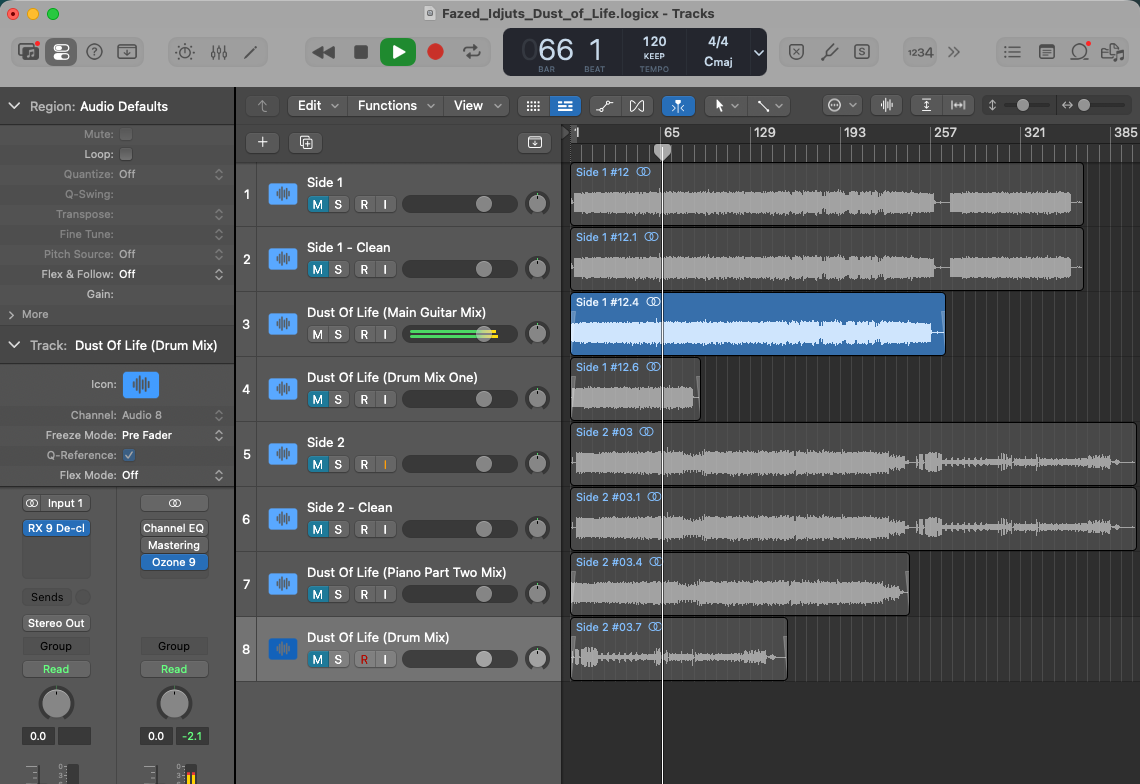
Once the record sounds like I intend, I duplicated the mastered track for each individual song, then used the scissor tool to split the audio and distribute them accordingly. A tiny crossfade at the beginning and end of each can avoid a pop from the cessation of the surface noise; when trimming leading silence, be sure to leave 0.5-1 second or so to avoid abrupt starts.
Once it has been split off, you can tweak individual tracks if need be (say, if one track is unusually quiet).
Wrapping
Finally, I unmute each track individually, select it, and bounce the track to .WAV for lossless output. Note that you’ll likely need to manually set your metadata, since this is an analog extract.